October 7, 2026 · 15 min read · Pineflows team
7 Trading Signal Software Options for Safer Automation
Compare trading signal software for alerts, APIs, webhooks, evaluation, and safer execution, with Pineflows and six leading platforms reviewed.
A strong-looking alert isn't automatically good trading signal software. A signal is only one event in a longer chain: a strategy creates it, the platform formats it, a webhook or API carries it, an intermediary validates it, a broker routes it, and the system confirms what happened. Duplicate prevention, position limits, timestamps, pause controls, and audit logs determine whether the intended instruction became one controlled order, several orders, or no order at all.
That distinction matters because modern markets already use fragmented, automated execution infrastructure. In the SEC's review of 2019 NMS stock trading, approximately 78% of trades were executed on registered exchanges, while 22% were executed off-exchange, and broker-dealer internalizers handled approximately 27% of share volume. The report also identified 33 alternative trading systems that collectively accounted for approximately 10.2% of share volume. These figures describe the environment in which signal software operates, not a performance promise. The SEC's algorithmic trading report makes the operational point clear: generating an instruction isn't the same as completing a trade.
The list starts with configurable strategy creation, moves through pattern detection and high-speed scanning, then covers condition-based screening, flow-driven research, and model-driven timing. Pineflows earns the execution-focused position for TradingView-to-Robinhood workflows, where test-first activation, event-ID deduplication, payload inspection, delivery receipts, pause controls, and an audit trail address the part most signal comparisons overlook. None of these platforms can turn a backtest into a guarantee of profitability.
Table of Contents
- 1. Pineflows
- 2. TradingView
- 3. TrendSpider
- 4. Trade Ideas
- 5. TC2000
- 6. BlackBoxStocks
- 7. VectorVest
- Top 7 Trading Signal Software Comparison
- Route the Signal Only After It Passes the Checks
1. Pineflows
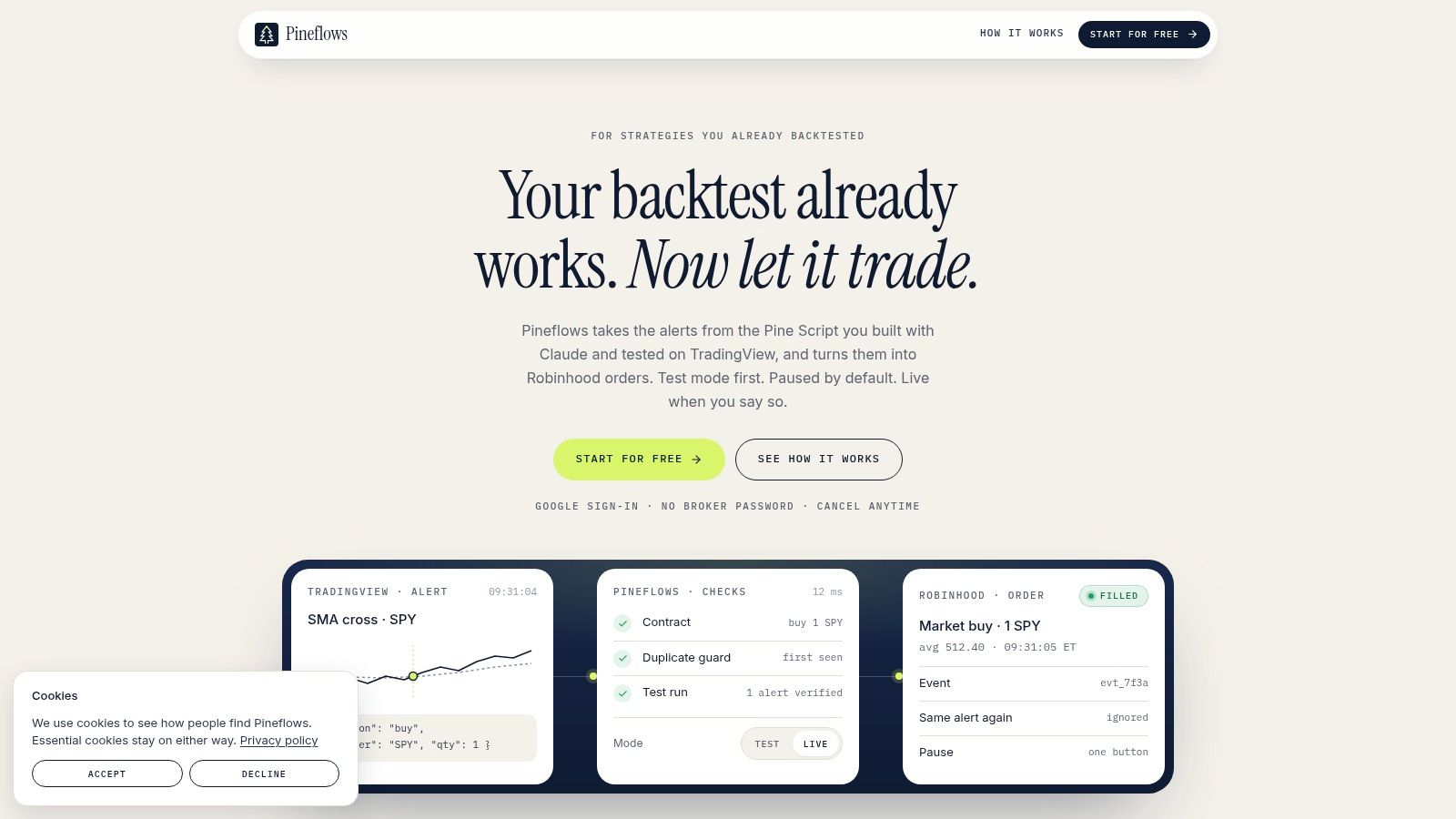
A high alert count says little if the signal cannot be interpreted, delivered, verified, and routed correctly. Pineflows focuses on that operational gap, turning TradingView Pine Script alerts into Robinhood market orders while exposing each stage of the route. It does not create a strategy or claim to improve its returns. Its role is to show whether a strategy event was received, parsed, submitted, acknowledged, and filled.
The process begins in TradingView. Pineflows receives the webhook, inspects its payload, applies configured entry, exit, instrument, and sizing rules, then records the resulting status changes. Its event history distinguishes timestamps, delivery receipts, broker status checks, and fill details. That separation gives traders a way to verify what happened after an alert fired, rather than treating alert generation as evidence of execution. The Pine Script strategy guide is relevant to users with a backtested script who need to adapt its alerts without rebuilding the strategy logic.
Safety controls are the product's main differentiator
Every account begins in test mode, where incoming alerts are logged instead of sent to Robinhood. Live trading requires an explicit switch. This creates a practical checkpoint for testing payload interpretation and the route before live-order risk is introduced.
Pineflows assigns per-alert event IDs and handles them idempotently. A retried, duplicated, or out-of-order webhook should therefore remain one event rather than create multiple fills. Its global pause control blocks new entries and cancels Pineflows-originated entry orders while allowing valid exits to continue for risk management. That design is more selective than a stop control that disables every order path.
Practical rule: Treat the first live alert as an infrastructure test, not as proof that the strategy works.
The setup supports a TradingView-to-Robinhood route rather than multiple brokers. Users sign in with Google, and Pineflows says it does not request or store Robinhood credentials. A Claude connector can read Pine Script and suggest minimal automation parameters, while one TradingView webhook carries the alert. A paid TradingView plan with webhook support and two-factor authentication is required.
Pineflows Pilot is listed at $29 per month, with a 7-day free trial beginning after onboarding, according to the Pineflows product site. The trade-off is specific: Robinhood users get a focused, auditable route, while traders using another broker need a different routing layer. The site does not present independent certifications or public customer testimonials, so evaluation should center on the documented workflow, test mode, logs, and controls rather than social proof.
2. TradingView
A large indicator library does not make TradingView an execution system. Its main strength is the signal-definition stage. The Pine Script environment supports custom indicators and strategies, while script alerts, alert(), alertcondition(), multi-condition alerts, and dynamic messages let traders specify the market event, message format, and conditions that should start the downstream workflow.
Server-side alerts can run without the trader's computer staying on. That separates signal generation from delivery, but the receiving system still needs to authenticate each message, validate its payload, suppress duplicates, and return broker status. TradingView can send webhook notifications to an external endpoint, as described in this TradingView webhook setup guide. The endpoint, rather than TradingView alone, must handle routing, retries, and execution acknowledgements.
TradingView's webhook documentation states that requests can occasionally fail to reach their destination and can be canceled if the receiving server takes longer than three seconds. It also states that alerts stop automatically after more than 15 alerts within three minutes. Review the alert log and webhook-status field, then verify the receiving system before treating an alert as an order signal. A fired alert does not prove that a broker accepted the order.
Best for strategy authors
TradingView supports fast iteration. A trader can edit a condition, inspect its chart behavior, test the script, and create a revised alert in the same research environment. Its marketplace of indicators and strategies can broaden idea generation, but an available script does not demonstrate profitable signals.
The later lifecycle requires separate checks. Higher alert counts and watchlist alerts depend on plan level, while deeper backtesting and some data types may require higher-tier plans or additional data fees. TradingView does not serve as a universal broker execution verifier. Automated orders therefore need a separate delivery and routing layer, such as a broker integration or dedicated intermediary, with logs that confirm authentication, deduplication, acceptance, and failure handling.
3. TrendSpider
TrendSpider suits traders who want rules-based signals without manually drawing every trendline or encoding every pattern from scratch. Its automated trendlines, pattern recognition, dynamic alerts, multi-factor conditions, and strategy tester connect visual market structure to repeatable signal rules.
That creates a different lifecycle from Pine Script. Instead of writing the complete signal logic, the trader configures or evaluates detected structures, indicators, and conditions. TrendSpider's Sidekick AI can assist with strategy analysis and design, but the generated idea still needs a precise definition. A readable rule is more valuable than an attractive label because it determines what the alert means when the market changes.
Where the workflow becomes more complex
TrendSpider provides backtesting, multi-symbol testing, and CSV export, which help users inspect whether a rule behaves consistently across instruments. Built-in bots can support automation, while optional SignalStack integration provides a route toward broker order delivery. That means buyers should evaluate the SignalStack connection separately from TrendSpider's signal-generation features.
A strategy tester can tell you how a rule behaved against historical inputs. It can't establish that a live webhook arrived, that a broker accepted the order, or that a retry won't create a duplicate. Those checks belong to the execution layer. TrendSpider is therefore a good fit for swing traders building systematic pattern and trend rules, but its automation costs and routing options need to be assessed as part of the full stack.
A detected pattern is a candidate event. It isn't an order until the message, delivery status, and broker state agree.
Some deeper backtesting and professional data capabilities are add-ons, and automation volume beyond included SignalStack orders can require an upgrade. TrendSpider's core appeal is reduced subjectivity in signal construction. Its main trade-off is that a user seeking highly bespoke intraday logic may find a code-first environment more flexible.
4. Trade Ideas
Trade Ideas approaches trading signal software from the opposite direction to TradingView. It prioritizes real-time discovery, scanning, and event-driven idea generation for day and momentum traders rather than asking every user to build a strategy language from the ground up.
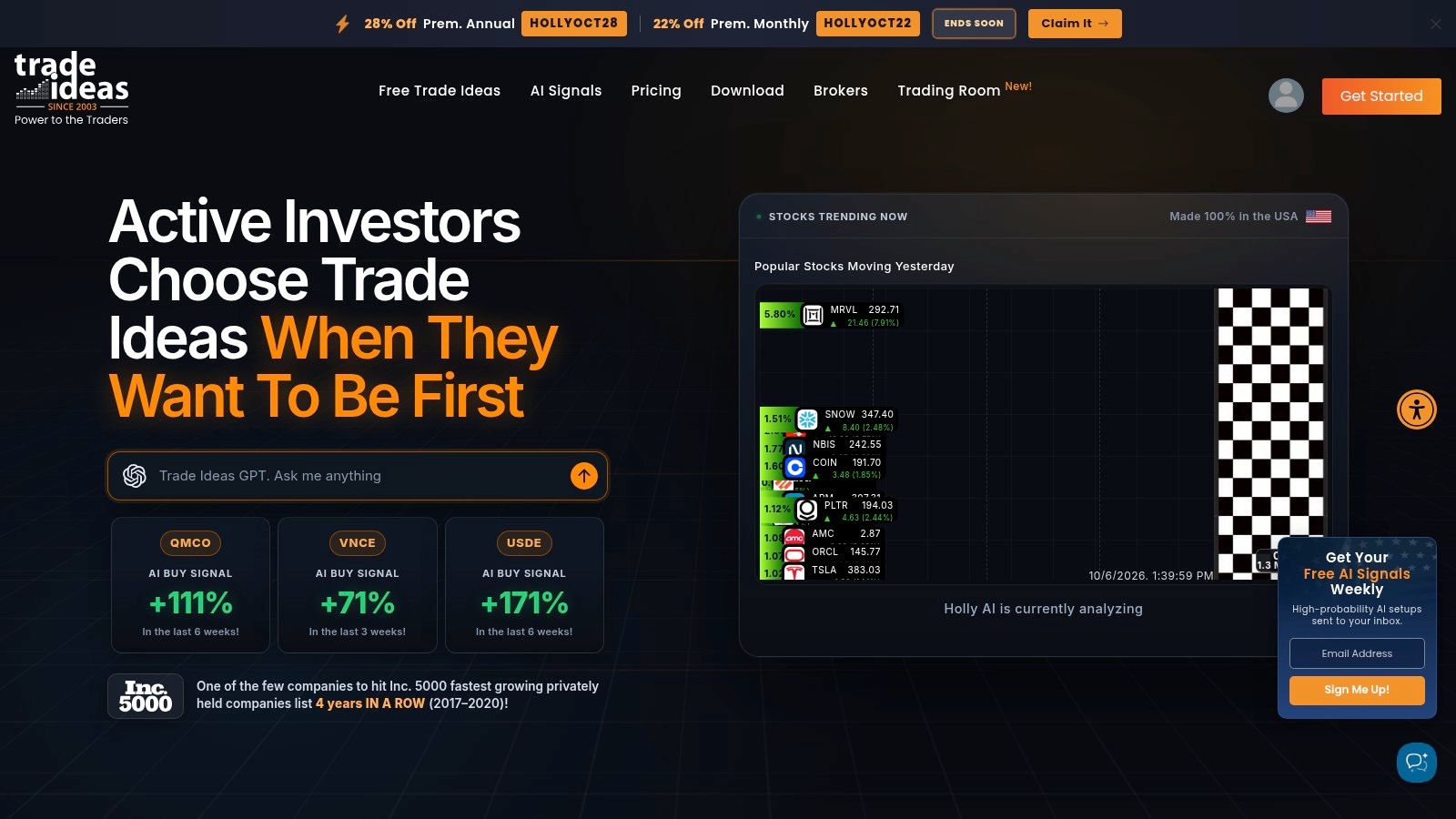
Its platform includes a large set of alerts and filters, curated Market Explorer scans, backtesting, TI Wave visualizations, paper trading, and broker integrations. The Holly AI engine adds signals with entries, stops, and targets on higher tiers. Trade Ideas says Holly retrains nightly, so users evaluating it should distinguish the model's published outputs from their own execution policy. An entry, stop, or target in a signal feed doesn't automatically define order sizing, account exposure, or what happens when a delivery fails.
Discovery speed versus control
Trade Ideas is attractive when the trader needs a dense stream of intraday candidates and wants to react to changing market conditions. Its education resources and free live trading room can help users observe how the platform's scans and signals are used before committing to a workflow.
The limitation is that high-volume discovery can produce more operational pressure. Every alert needs a clear decision rule: ignore, review, paper trade, or route. If a trader connects signals directly to execution without event identifiers, position limits, and a pause path, faster discovery can increase the consequences of a bad interpretation.
The full Holly feature set is limited to Premium, and the Windows-native application may require virtualization or the web edition for Mac users. Broker integrations and paper trading make it possible to test parts of the workflow, but users should still verify the exact path from signal publication to order status. The automated trade execution guide offers a useful framing for that distinction, execution is a separate system to evaluate rather than an assumed outcome of signal generation.
5. TC2000
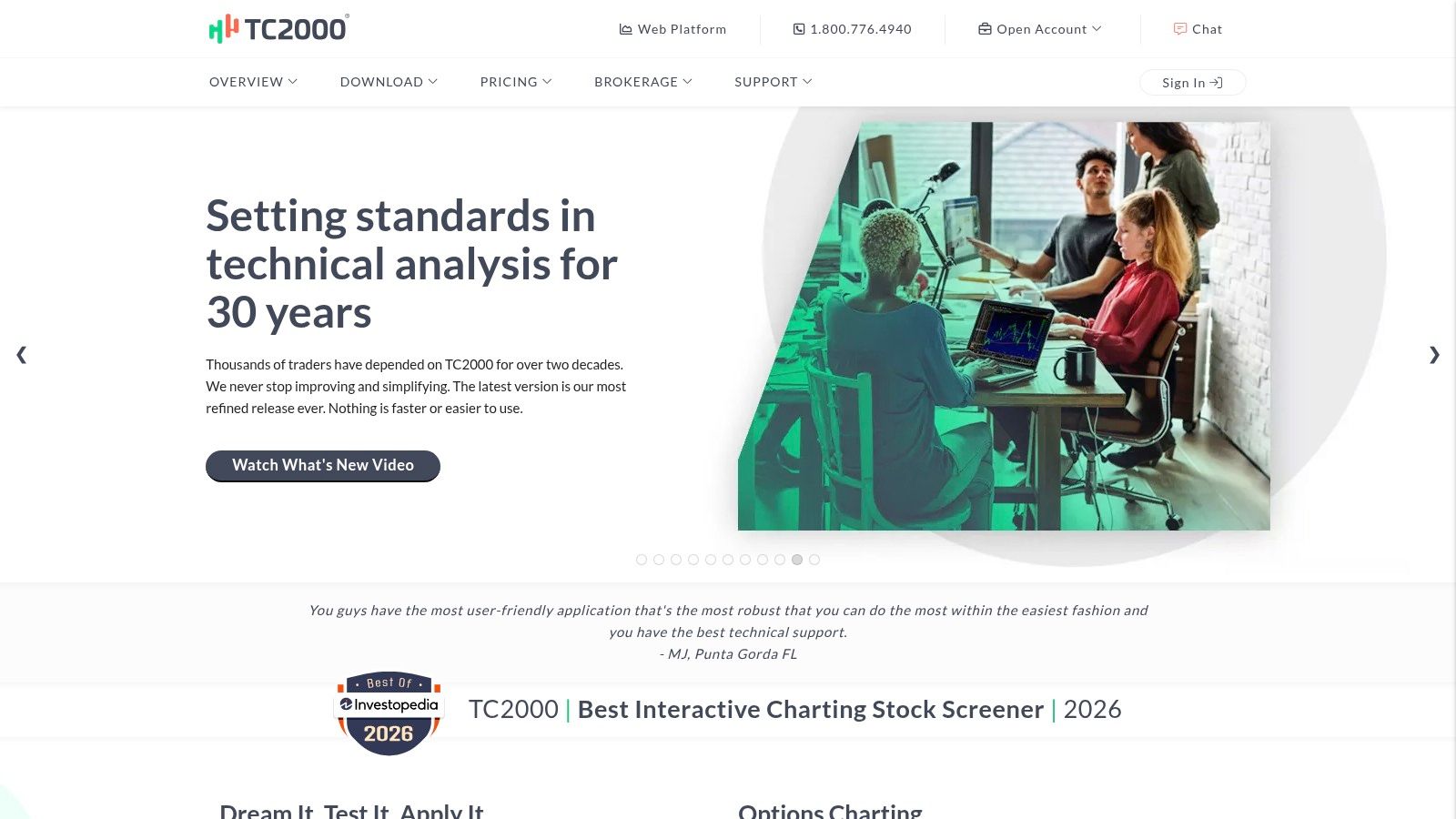
TC2000 is a practical choice for traders whose signal begins as a condition-based scan. Its EasyScan library, real-time sorting, watchlist analysis, and alert types cover price movements, trendlines, conditions, and scan events. That combination is well suited to breakout and momentum workflows where the trader wants to find candidates quickly and monitor them continuously.
The important distinction is between a scan result and a discrete trade event. A scan may remain true across multiple updates, while an order should usually be associated with one specific transition. Buyers should therefore ask whether their downstream system can identify the first qualifying event, preserve its timestamp, and prevent repeated alerts from becoming repeated orders.
TC2000's cross-platform access and concurrent alert capacity support active monitoring. Its trendline and condition alerts also give discretionary traders more structure than a simple price notification. But alert flexibility can create configuration overhead. A complex scan may be logically correct yet operationally ambiguous if it doesn't specify whether the event represents an entry, an exit, a watch condition, or a message for manual review.
The right evaluation question
Don't judge TC2000 by the size of its condition library alone. Define the lifecycle first:
- Signal definition: Can the scan express the exact price, trendline, and indicator conditions you use?
- Event behavior: Does it notify on a transition, on every qualifying update, or according to a configurable rule?
- Delivery path: Can the alert reach the tool or broker that will act on it?
- Verification: Where can you inspect whether the alert was received and processed?
Some advanced alert capacities require upper-tier plans, and the setup flow can feel click-heavy. Those are usability trade-offs, not reasons to dismiss the platform. TC2000 makes the most sense for traders who value fast screening and flexible conditions, then route decisions through a separate process that handles order safety.
6. BlackBoxStocks
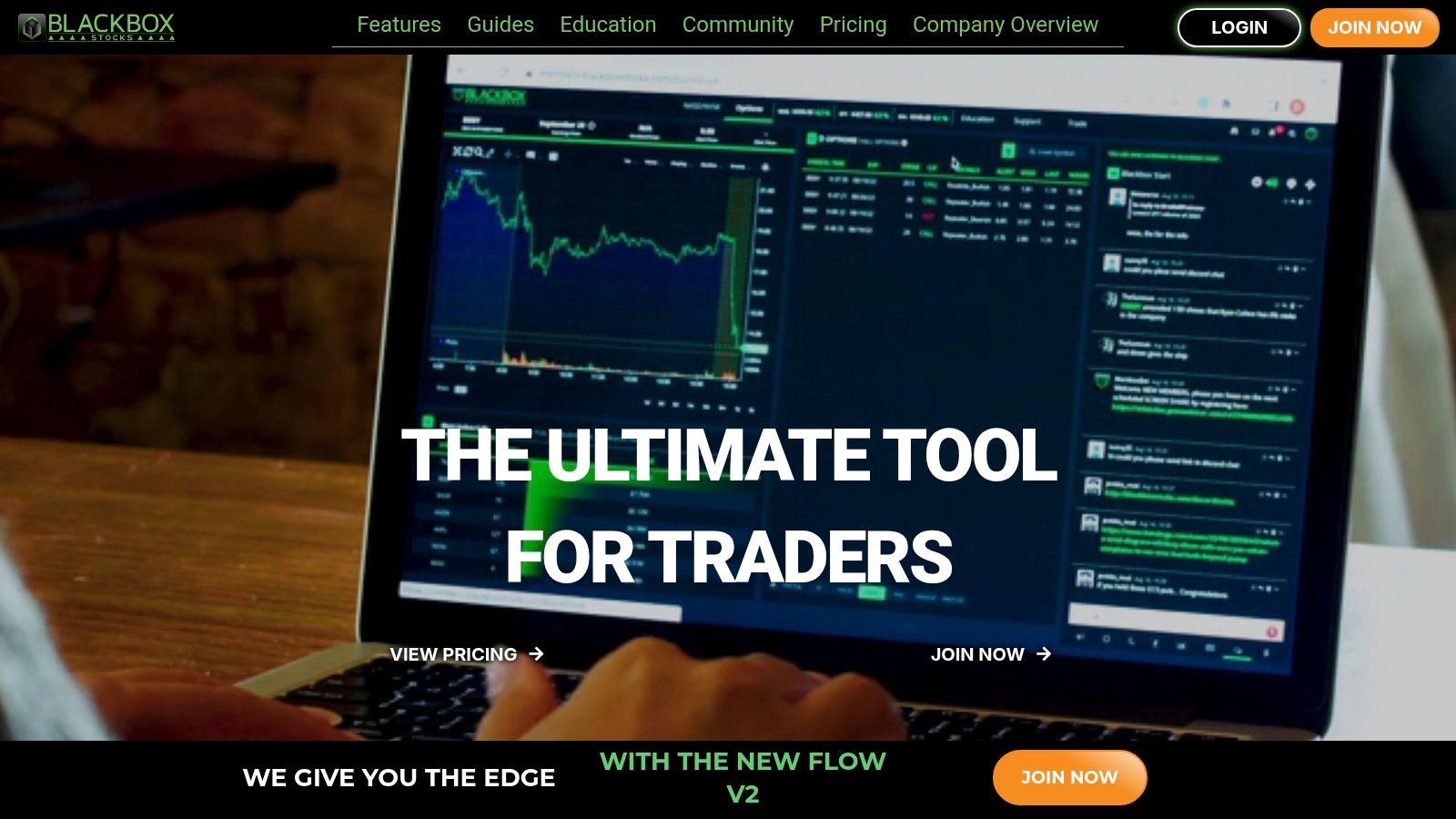
BlackBoxStocks is designed for traders who interpret options flow, volatility, dark-pool information, and real-time alerts rather than relying only on price and indicator conditions. Its alert streams cover stocks and options, with customizable notifications, real-time news, a proprietary volatility indicator, Dark Pool data, and a Dark Pool Volume Profile study.
That data can add context around a signal. It doesn't eliminate interpretation. A flow alert still needs a defined action, expiry and contract policy where options are involved, position sizing, and a clear rule for what invalidates the setup. Community discussion and live trading rooms can help traders understand how others read the feed, but discussion isn't the same as a verified order record.
Strong research context, separate execution responsibility
The platform's strength is breadth of information around flow-driven and volatility-driven ideas. Mobile push notifications and alert logs make it easier to monitor events away from a desktop, while proprietary studies can help users compare a signal with surrounding market conditions.
Its focus is primarily U.S. equities and options, so it won't fit every market or strategy. The best features sit in higher-tier plans, which means the buyer should identify the minimum data needed before comparing subscriptions. BlackBoxStocks should be evaluated as a signal and research environment unless its specific execution route proves otherwise.
A useful test is to record the complete event. Capture the alert content, the time it arrived, the instrument or contract it referenced, the trader's decision, and the resulting broker status. That record exposes whether a missed trade came from the signal, the notification, the user's interpretation, or the execution system. It also prevents a later review from confusing an appealing alert with a completed transaction.
7. VectorVest
VectorVest is for traders who prefer a model-driven research process over writing custom code. Its proprietary Value, Safety, Timing ratings, daily buy, sell, and hold signals, market timing tools, WatchDog alerts, and AutoTimer trade-plan automation provide a defined framework for swing and position decisions.
That standardization can reduce discretionary drift. A trader receives a repeatable model output rather than building every condition independently. The trade-off is flexibility. A proprietary rating system may be easier to adopt than a coded strategy, but it gives the user less control over the precise formula, event semantics, and downstream message format.
Match the model to the holding period
VectorVest's multi-market coverage includes the United States, Canada, Australia, and Europe, while real-time U.S. data is available on Premium. Its onboarding, coaching, and education can help system-oriented traders translate ratings into a plan. WatchDog adds technical alerting, and AutoTimer supports a more structured approach to trade timing.
The platform is less suited to a trader who needs bespoke intraday rules or a Pine Script webhook. Full real-time data and advanced automation require higher-tier plans, so the comparison should include not only the model's signals but also data timing and the exact automation features included at the selected level.
Visit the VectorVest platform to verify the current coverage, plan restrictions, and workflow before subscribing. Whatever model produces the signal, the buyer should still ask how the alert is delivered, whether it can be exported, and where the final order state is recorded. A clear buy signal isn't evidence that a broker received or filled an order.
Top 7 Trading Signal Software Comparison
| Product | 🔄 Implementation complexity | ⚡ Resource requirements | ⭐ Expected outcomes | 📊 Ideal use cases | 💡 Key advantages |
|---|---|---|---|---|---|
| Pineflows | Low, guided setup, Claude connector, single webhook; test-first | Paid TradingView (webhooks + 2FA), Robinhood account; Pineflows $29/mo (7‑day trial) | ⭐⭐⭐⭐, deterministic order routing with full auditability | TradingView → Robinhood users needing reliable automation | Safety-first test mode; duplicate-guard; delivery receipts |
| TradingView | Low, create Pine Script alerts and webhooks; server-side alerts | Free → Premium tiers (higher alert counts require paid plans); optional data fees | ⭐⭐⭐⭐, reliable server-side alerts for varied signals | Signal generation and alerting for custom strategies | Flexible Pine Script alerts; large indicator marketplace |
| TrendSpider | Medium, configure auto-trendline alerts, bots; optional SignalStack routing | Subscription tiers; add‑ons for deeper backtests and SignalStack for order routing | ⭐⭐⭐, robust rule-based pattern signals for swing trading | Swing traders wanting automated trend/pattern alerts | Auto-trendlines, pattern detection; AI-assisted strategy design |
| Trade Ideas | Medium, configure Holly AI and scans; Windows-native considerations | Premium for full Holly AI; Windows app or web edition | ⭐⭐⭐⭐, high-volume, fast intraday idea generation | Day and momentum traders needing rapid signal flow | Extremely fast scanning; nightly AI retraining (Holly) |
| TC2000 | Medium, build EasyScan conditions; click-heavy alert flows | Tiered subscriptions; upper tiers for more concurrent alerts | ⭐⭐⭐, very fast scanning and flexible alerting | Breakout/momentum traders needing many concurrent alerts | Excellent scan speed; strong alert flexibility (trendline/conditions) |
| BlackBoxStocks | Low, subscribe, configure alert stream and rooms | Subscription; focused on US equities and options | ⭐⭐⭐, strong coverage for flow- and volatility-driven signals | Options/flow-focused traders and community-driven execution | Dark-pool flow, proprietary volatility studies, live trading rooms |
| VectorVest | Low, model-driven setup with minimal configuration | Subscription; premium for real-time US data and advanced automation | ⭐⭐⭐, consistent model-based buy/sell/timing signals | Systematic swing/position traders preferring model signals | Proprietary VST ratings; built-in trading-plan automation and coaching |
Route the Signal Only After It Passes the Checks
The right platform depends on where your problem begins. Choose TradingView when you need custom Pine Script logic and server-side alerts. Choose TrendSpider when automated trendlines and pattern detection can replace manual chart construction. Choose Trade Ideas for high-volume intraday scanning, TC2000 for condition-based screening, BlackBoxStocks for options flow and volatility context, and VectorVest for model-driven buy, sell, and hold timing. Choose Pineflows when the signal already exists in TradingView and the unresolved problem is routing it safely to Robinhood.
Then inspect the complete message path. Confirm what the signal contains, whether it identifies an entry or exit, how the instrument and size are represented, and whether the receiving endpoint can reject invalid values. Check webhook or API availability, broker compatibility, alert limits, backtesting scope, data timing, and plan restrictions. A platform that generates excellent-looking alerts may still be unsuitable if it can't produce a message your execution layer can interpret deterministically.
Use a staged implementation rather than switching directly from backtest to live orders. Define the event payload first. Send a harmless test event without transmitting a live order. Verify the webhook receipt, validation result, broker submission, broker acknowledgment, and fill status as separate states. TradingView's documentation warns that delivery can fail or time out, so the alert log should be compared with the receiving system's event history instead of treated as final proof.
Next, protect the route against repeated and out-of-order events. Assign each alert a unique event ID, make processing idempotent, set position-sizing limits, and keep entry and exit policies separate. Add a pause mechanism that blocks new entries while preserving valid exits where the system supports it. Review the first live alert manually and retain the payload, timestamps, status transitions, and broker response for later analysis.
For a TradingView-to-Robinhood workflow, Pineflows provides a concrete test-first route. Its default test mode logs alerts before live activation, while event IDs, payload inspection, delivery receipts, status checks, fill details, and pause controls address the operational questions that a strategy platform alone doesn't answer. Those safeguards can show whether the intended order was transmitted and what happened next. They can't validate the underlying strategy or guarantee profitability.
A useful industry warning comes from retail adoption research. A proprietary study of 1,020 active retail traders reported that 58% regularly used AI trading tools, while 21% said those tools improved profitability. Signal-based AI was the most common category at 46%, followed by semi-automated bots at 32% and fully automated systems at 22%. The survey report isn't an audited broker-performance dataset, but the gap supports a disciplined conclusion: evaluate signal software on signal clarity, delivery integrity, risk controls, and auditability before treating backtest results or alert frequency as meaningful evidence.
Pineflows turns TradingView strategy alerts into Robinhood orders through a test-first, auditable workflow with payload inspection, event-ID duplicate protection, delivery receipts, and pause controls. If you want to evaluate the full signal lifecycle before enabling live execution, visit Pineflows and verify whether its focused Robinhood integration fits your strategy and broker setup.